
You need a Cash App Business account, not a personal one, to accept customer payments for goods or services. For online checkout, configure Cash App Pay through a supported provider, use a POS system for QR or Tap to Pay sales, and verify your account limits before going live.
A customer is ready to buy, opens Cash App, and still can't complete the order. Sometimes checkout throws an error. Sometimes the merchant sees a payment notification but can't match it to an order. In the worst cases, a seller ships a product based on a screenshot and discovers that no settled payment exists.
The practical answer to how to accept Cash App payment isn't “share your Cashtag.” Cash App can operate as an online checkout method, an in-person contactless payment method, a QR-code flow, or a business-account payment request. Each route has different approval, settlement, fee, and verification implications. Treating it as an operational payment rail keeps those details visible.
Why Using a Personal Cash App Account Fails at Checkout
A coffee shop owner gets the familiar question: “Can I just send it to your Cash App?” The owner provides a personal Cashtag, the customer submits the payment, and the register still shows an unpaid order. The merchant checks a personal activity feed, searches for the customer's name, and finds no reliable connection between the transaction and the receipt.
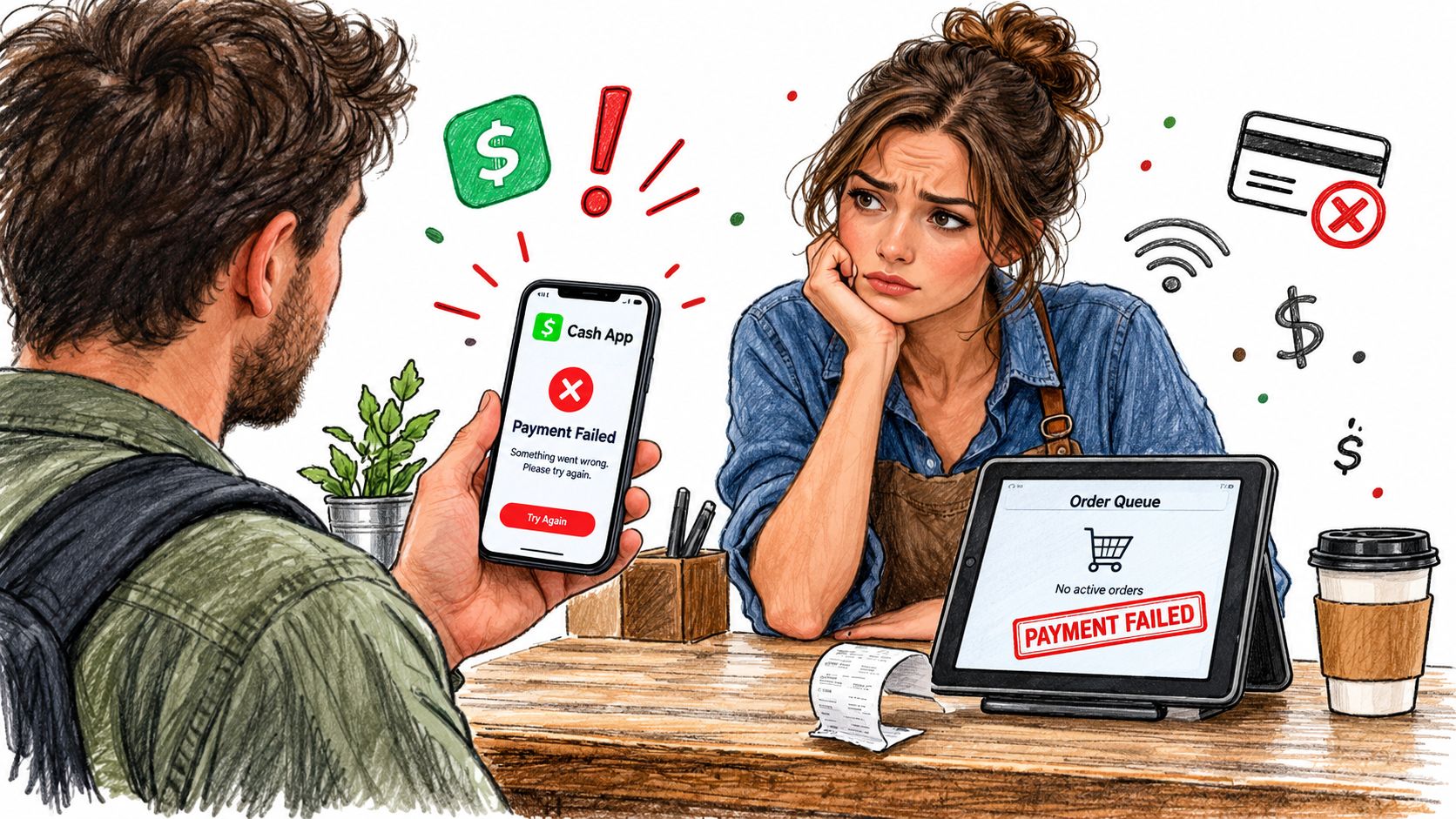
That failure starts with the account design, not necessarily with the customer's phone. Cash App states that personal accounts may send payments to Cash App Business accounts, but personal accounts shouldn't be used to accept payments for goods or services. Merchants should create and use a Cash App Business account for business transactions, as explained in Cash App's business account guidance.
Peer-to-peer isn't a checkout system
A personal transfer is built for moving money between individuals. A merchant payment needs a recognized business identity, an agreed payment route, a settlement destination, order matching, refunds, and staff procedures. Those requirements are why a peer-to-peer payment shouldn't be treated as a substitute for a merchant checkout.
Cash App offers several distinct business paths:
- Online checkout: Cash App Pay is enabled through a supported payment provider.
- In-person contactless sales: Tap to Pay lets the customer present a contactless card or digital wallet to a compatible iPhone or Android device.
- POS and QR acceptance: A supported POS system generates a QR code that the customer scans in Cash App.
- Business payment requests: A merchant can request payment through an appropriate business-account flow.
The distinction matters because the customer-facing experience, account type, settlement arrangement, and fee schedule depend on the selected route. A personal account might appear convenient for a one-off sale, but it creates a poor audit trail and can put the account at odds with Cash App's rules.
Practical rule: Don't publish a Cash App payment option until the business profile, provider agreement, settlement destination, and order-confirmation workflow have all been tested.
Setting Up Your Cash App Business Account Correctly
Start by separating the business identity from the owner's personal payment activity. Create or convert the appropriate account, enter the legal business information, provide requested tax details, and choose where business funds should settle. The objective isn't just to make a button appear. It's to make the payment recognizable to the people and systems responsible for fulfillment, bookkeeping, refunds, and support.
Verify the account before advertising acceptance
Cash App's eligibility rules mean not every seller can automatically accept Cash App Pay. Its terms allow only company-approved merchants to use Cash App Pay as a payment method, and its business-payment terms restrict prohibited categories. Confirm approval and eligibility before adding Cash App to product pages, checkout copy, invoices, or advertising.
Use this setup sequence:
- Create the business profile. Use the business name customers will recognize and keep it separate from personal receiving activity.
- Complete identity and tax verification. Cash App may require the legal identity behind the account, so make sure the submitted details match your business records.
- Select the settlement destination. Confirm the bank or account that should receive proceeds, then document who can reconcile incoming payments.
- Review displayed limits. For a personal account in the United States, an unverified user can receive up to $1,000 during any 30-day period. Verifying with a full name, date of birth, and Social Security number or ITIN provides higher sending and receiving limits. Customers can view their applicable limit by opening the profile icon, selecting Account & Settings, and tapping Limits, according to Cash App's limit instructions.
- Test a real order. Confirm the amount, merchant identity, order status, receipt, settlement record, and refund path before launch.
Some customer issues are predictable. A buyer may be unverified, near a receiving or sending ceiling, or attempting a transaction that the account can't authorize. Don't tell staff to keep retrying indefinitely. Give them a fallback payment method and a clear escalation path.
A short walkthrough can help staff understand the mobile account flow before they handle live transactions.
<iframe width="100%" style="aspect-ratio: 16 / 9;" src="https://www.youtube.com/embed/11-ACOqMeR8" frameborder="0" allow="autoplay; encrypted-media" allowfullscreen></iframe>
Choosing the Right Cash App Acceptance Path for Your Store
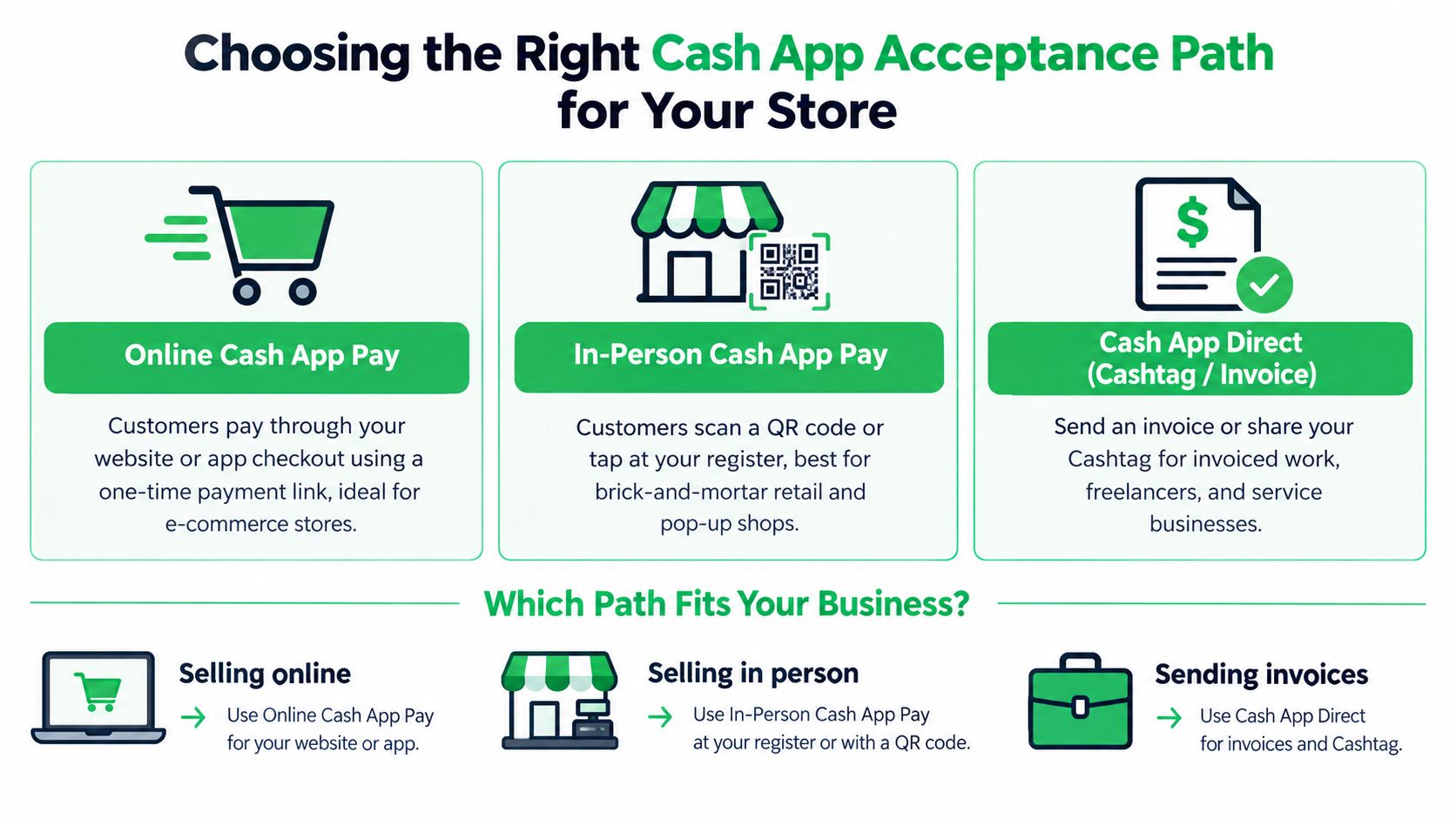
The best route depends on where the customer buys, not on which Cash App feature sounds simplest. An online DTC brand needs a checkout event that can update an order automatically. A market stall needs a fast contactless or QR interaction. A consultant sending an invoice may need a business payment request rather than a full storefront integration.
Match the rail to the transaction
Online Cash App Pay is the strongest fit for ecommerce checkout, digital products, and customer journeys where the order should change state automatically after a confirmed payment event. It requires a supported payment provider, and the provider's agreement and implementation determine the available checkout behavior.
Tap to Pay suits in-person selling. The business enters the sale amount, selects Tap to Pay, and the customer presents a contactless card or digital wallet to a compatible iPhone or Android device. Cash App lists a 3% processing fee per Tap to Pay transaction, so the merchant should include that cost in margin planning. The same route can work for pop-ups, mobile sellers, and service businesses that take payment away from a fixed register.
QR-code acceptance works when a supported POS system generates a Cash App Pay QR code. The merchant selects Cash App Pay, displays the code, and the customer scans it in Cash App. For a repair business that needs payment capture tied to a physical workflow, a specialized repair shop point of sale can be more useful than a disconnected Cashtag.
Business payment requests can fit invoiced work and remote service sales, but they require careful order matching. A request alone isn't proof that the customer completed payment.
| Path | Best For | Approval Required | Fee | Typical Use Case |
|---|---|---|---|---|
| Online Cash App Pay | DTC and digital checkout | Supported provider and merchant eligibility | Provider and Cash App terms apply | Website or app checkout |
| Tap to Pay | In-person and mobile sales | Business setup and compatible device | 3% per transaction | Pop-up or counter sale |
| POS QR code | Retail and service counters | Supported POS and merchant eligibility | Applicable business route terms | Customer scans at register |
| Business payment request | Invoiced services | Business account and eligibility | Applicable business route terms | Freelancer or remote service |
A payment service provider connects the checkout experience to the payment rail, so the payment service provider you choose affects integration, reporting, retries, and settlement visibility. Don't use an invoice request for a high-volume cart if it forces staff to reconcile every order manually. Don't use a personal Cashtag as a shortcut when the store needs automated fulfillment.
Understanding Cash App Fees and Hidden Costs by Order Value
A $5 order can look profitable until the payment rail takes its share. Cash App Business accounts are free to create, but acceptance still carries processing and payout costs. Cash App deducts fees before funds reach the business balance. The published rate is 2.6% plus $0.15 for payments from a customer's Cash App account and 3% for Tap to Pay, according to Cash App's business fee schedule.
The fixed fee has a larger effect on compact baskets. On a $5 order, 2.6% plus $0.15 equals $0.28, or about 5.6% of revenue, before refunds, taxes, fulfillment, or chargeback-related costs. That difference matters for creators, low-priced downloads, food counters, and other merchants with small average orders. A headline percentage can appear modest while the fixed amount consumes much more of the sale.
Model the net amount, not the displayed price
Calculate what should reach the business balance for each important order type before launch. Keep the customer price, Cash App processing fee, tax, fulfillment cost, refund exposure, and net settlement in separate fields. For a practical explanation of the fee itself, see what is a transaction fee. This model shows whether Cash App belongs on every product or only on selected carts.
Payout timing adds another cost. Cash App lists instant transfers to a bank account at 0.5% to 1.75% of the transfer amount, with a $0.25 minimum. An immediate payout can therefore reduce margin even when the customer-facing payment has no additional customer fee.
Margin check: A payment method can convert well and still lose money if processing and immediate payout charges consume the contribution margin.
Cash App partner rules prohibit merchants from adding a surcharge or convenience fee for accepting Cash App Pay unless applicable law requires otherwise. Price the catalog with payment costs included, set a minimum viable order where appropriate, or offer another processor when the economics do not work. Merchants reviewing broader processing costs can also compare the discussion of cutting card fees on tour bookings.
The online Cash App Pay flow has a $0.50 minimum transaction amount, and Cash App applies customer-level sending and receiving limits. Stripe's Cash App Pay technical documentation (source) recommends using Cash App Pay for lower-value orders and gives approximately $2,000 as an example threshold that may reduce declines. Treat that figure as an implementation consideration, not a guarantee.
Protecting Your Account with Verification and Fraud Controls
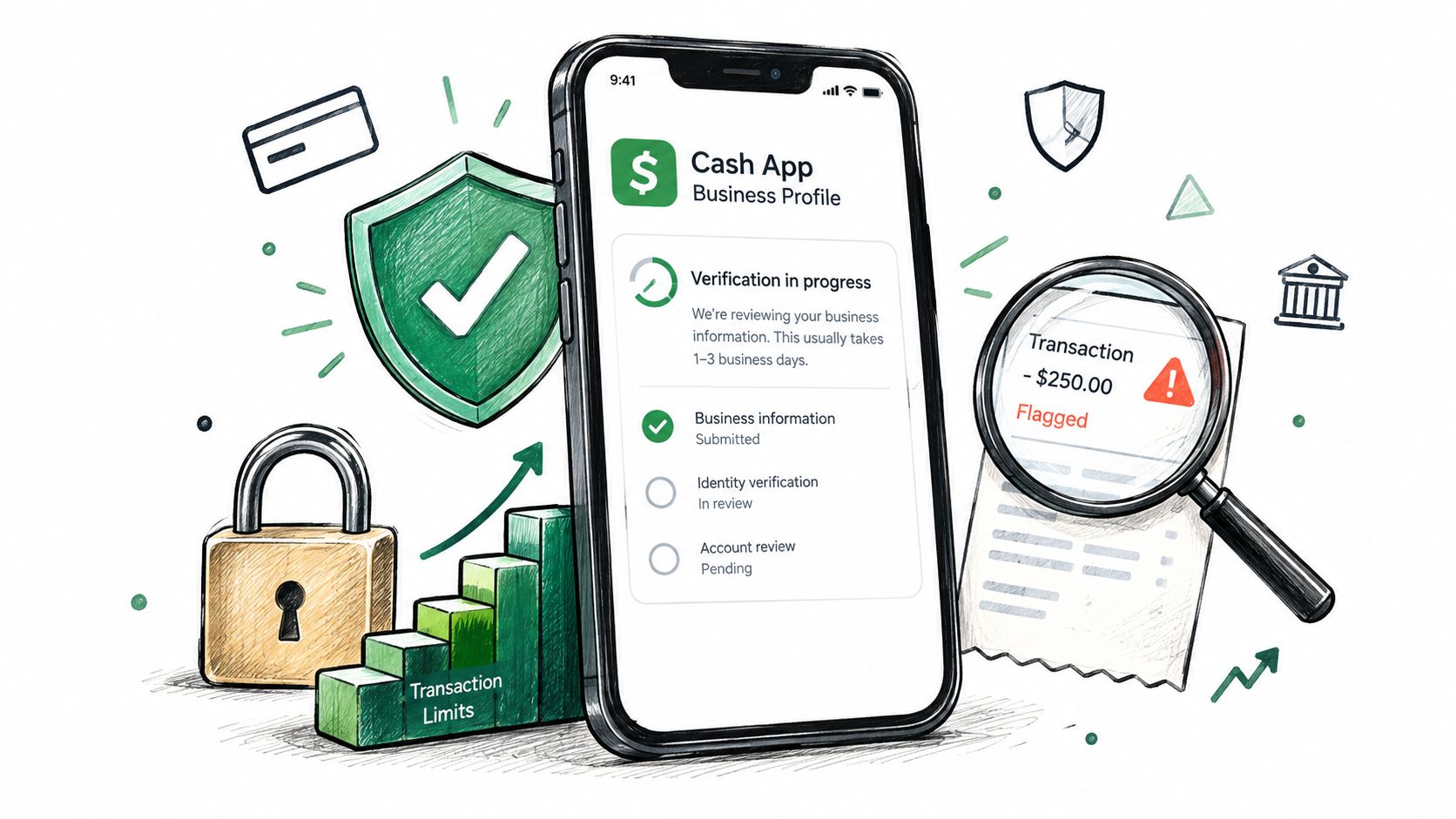
A successful authorization isn't the same as a safe fulfillment decision. The merchant needs to confirm that the expected amount reached the correct business account and that the order changed state only once.
Cash App's documented controls include rolling account limits and transaction ceilings. Unverified or sponsored accounts can send and receive up to $1,000 over a rolling 30-day period, while verified accounts can send up to $40,000 over a rolling 30-day period. Receiving limits for verified accounts are account-specific and visible in the app's Limits section. Cash App also documents $7,000 per transaction and daily, $10,000 weekly, and $25,000 monthly limits for Cash App Tag/Card transactions, with the stated resets at 7 p.m. Eastern Time, Saturday at 7 p.m. Eastern Time, and the final day of the month, as detailed in Cash App's account limits documentation.
Build an independent confirmation routine
For each order, your system or staff should:
- Match the amount: Compare the order total with the confirmed transaction activity, including the expected merchant account.
- Prevent duplicate fulfillment: Use an idempotent order update so repeated notifications can't create multiple shipments or releases.
- Reconcile the net: Record the gross payment, processing deduction, payout cost where applicable, refund status, and settled amount.
- Issue the receipt: Send the official order receipt only after the payment state meets your fulfillment rule.
- Hold suspicious orders: Escalate unusual amounts, mismatched names, repeated attempts, or requests to change the delivery destination.
Never release digital goods solely from an email, screenshot, or customer claim. Physical orders shouldn't ship until the business can independently verify the payment. Cash App identifies impersonation, online-shopping, and investment scams among frequently reported categories, so staff training should focus on social engineering as well as technical errors.
For unusually large purchases, segment the order where commercially appropriate or provide an alternate processor. A decline can reflect a limit or account control, not customer error. Giving the buyer another authorized route protects conversion without weakening the verification standard.
Building a Resilient Cash App Payment Stack for Growth
Cash App works best as one lane in a broader payment stack. For low-value DTC purchases, it can offer a familiar mobile checkout. For higher-value orders, recurring billing, or customers who hit account controls, the store needs another authorized route that can take over without forcing the buyer to restart the entire purchase.
Use routing instead of a single-button setup
A resilient stack has four layers:
- Checkout presentation: Show Cash App Pay only when the business account, provider integration, product category, and customer geography support it. Keep an alternate card or wallet method visible rather than hiding every other option.
- Payment orchestration: Send the payment event to the correct processor, preserve the provider response, and prevent duplicate order updates. A router should distinguish a decline, a pending state, a verification failure, and a completed settlement.
- Subscription recovery: Recurring businesses need renewal monitoring, retry logic, customer notices, and dunning. Cash App's acceptable-use policy allows annual, monthly, and weekly membership or subscription payments, but prohibits a membership or subscription lasting longer than one year and paid in advance. It also restricts categories such as adult services, certain financial services, illegal or stolen goods, cannabis-related businesses, tobacco and vaping products, online pharmaceutical or prescription services, age-restricted goods, weapons, and other high-risk activities. Review eligibility before designing the billing model.
- Revenue-aware messaging: Send confirmation, fulfillment, renewal, and recovery messages from actual payment events. Don't trigger “payment received” messaging from a browser redirect or a customer-submitted screenshot.
Pre-launch readiness checklist
Before publishing Cash App acceptance, verify:
- Business identity: Legal identity, tax details, account ownership, and settlement destination are complete.
- Eligibility: Cash App Pay approval and product-category permissions are confirmed.
- Channel fit: Online checkout, Tap to Pay, QR, or payment request matches the selling environment.
- Fee model: Processing and payout costs are included in margin calculations, especially for small orders.
- Limit handling: The checkout can show an alternate method when customer or transaction limits prevent completion.
- Fraud controls: Staff and automation verify the merchant account, amount, settlement state, and order ID independently.
- Refund operations: The team knows how to record and communicate refunds without manually editing paid status.
- Subscription rules: Recurring plans comply with Cash App's acceptable-use restrictions and have a separate recovery path.
- Fallback routing: A second processor is ready for declined Cash App transactions, provider interruptions, or unsupported orders.
For a growing subscription or DTC business, a multi-processor strategy becomes practical rather than theoretical. Cash App can remain a useful option, while a routing layer sends failed or unsuitable transactions to another approved processor, supports smart retries, and preserves the payment event needed by fulfillment and messaging systems. High-risk merchants should be especially careful to confirm underwriting and category approval before promising a payment method to customers.
The operating principle is simple: accept Cash App only through a business-enabled route, verify every payment independently, and keep another path available when limits or risk controls intervene. That approach protects the customer experience without turning the back office into a manual transaction ledger.
Tagada provides an orchestration layer for checkout, payment routing, subscriptions, dunning, messaging, and real payment-event tracking, helping merchants use Cash App alongside fallback processors instead of relying on a single fragile route. Visit Tagada to explore a payment stack for DTC, subscription, digital-product, and high-risk ecommerce operations.