
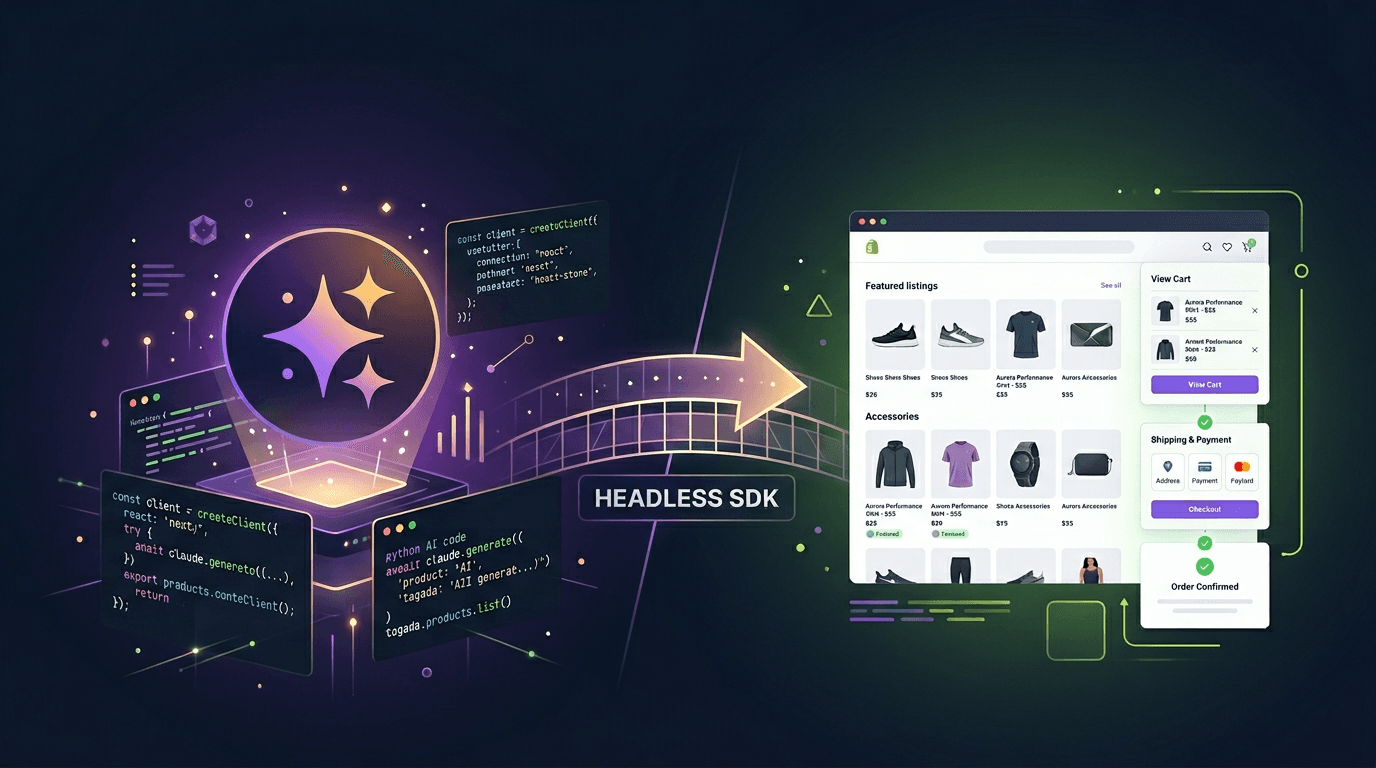
There's a quiet shift happening in ecommerce. Founders who used to spend weeks setting up Shopify stores — picking themes, installing apps, fighting with Liquid templates — are now spinning up complete stores in an afternoon using AI. No theme marketplace. No $39/month subscription. No lock-in.
This guide walks you through the entire process, from scratch, using Claude (Anthropic's AI) and TagadaPay's Headless SDK. By the end, you'll have a working ecommerce store with products, checkout, card payments, email confirmations, and pixel tracking — all without writing a line of backend code yourself.
Why People Are Leaving Shopify in 2026
Shopify is great software. But for a growing number of merchants, it's become the wrong fit. The reasons are consistent: monthly fees that scale with your plan (not your revenue), a walled garden that forces you into Shopify Payments for the best rates, limited customization unless you learn Liquid, and an app ecosystem where you're paying $50-200/month in plugins just to get features that should be native.
The headless commerce movement has been around for a while, but it used to require a team of developers to pull off. That's what changed in 2025-2026: AI coding tools like Claude can now generate production-quality storefronts that rival anything on the Shopify theme store. And headless backends like TagadaPay have matured to the point where a single SDK call handles what used to require three different Shopify apps.
Step 0: Install Claude
Before we build anything, you need Claude. There are three ways to use it:
Option A: Claude.ai (Easiest)
Go to claude.ai and create a free account. The free tier gives you enough messages to build a complete store. For heavier usage, Claude Pro is $20/month.
This works well for generating code that you then copy-paste into your project files. It's the simplest option if you're new to all of this.
Option B: Claude in Cursor (Recommended for Developers)
Cursor is a code editor with Claude built in. It can read your project files, make edits directly, and run terminal commands. Think of it as VS Code + Claude in one tool.
- Download Cursor from cursor.com
- Open it and sign in (free tier available)
- Open your project folder
- Use Cmd+L (Mac) or Ctrl+L (Windows) to chat with Claude about your code
Option C: Claude API (For Automation)
If you want to programmatically generate stores (for an agency, for example), you can use the Claude API directly. This is overkill for building a single store, but worth mentioning.
Step 1: Set Up Your TagadaPay Backend (5 minutes)
Before Claude generates any UI, you need a backend. TagadaPay is that backend. Sign up at app.tagada.io (free to create), then grab your API key from Settings → Access Tokens.
Open your terminal and create a project:
mkdir my-store && cd my-store npm init -y npm install @tagadapay/node-sdk @tagadapay/headless-sdk
Now create a setup script. You can ask Claude to write this, or use this starter:
import Tagada from '@tagadapay/node-sdk';
const tagada = new Tagada('your-api-key');
// Create a sandbox processor (use 'stripe' for production) const { processor } = await tagada.processors.create({ processor: { name: 'Sandbox', type: 'sandbox', enabled: true, supportedCurrencies: ['USD'], baseCurrency: 'USD', options: { testMode: true }, }, });
// Create payment flow const flow = await tagada.paymentFlows.create({ data: { name: 'Default', strategy: 'simple', fallbackMode: false, maxFallbackRetries: 0, threeDsEnabled: false, stickyProcessorEnabled: false, pickProcessorStrategy: 'weighted', processorConfigs: [{ processorId: processor.id, weight: 100, disabled: false, nonStickable: false }], fallbackProcessorConfigs: [], }, });
// Create store const store = await tagada.stores.create({ name: 'My Store', baseCurrency: 'USD', presentmentCurrencies: ['USD', 'EUR'], chargeCurrencies: ['USD'], selectedPaymentFlowId: flow.id, });
// Create a product const product = await tagada.products.create({ storeId: store.id, name: 'Premium T-Shirt', description: 'Organic cotton, available in 3 colors', active: true, variants: [{ name: 'Black / M', sku: 'tshirt-black-m', grams: 200, price: 3900, compareAtPrice: 4900, active: true, default: true, prices: [{ currencyOptions: { USD: { amount: 3900 }, EUR: { amount: 3500 } }, recurring: false, billingTiming: 'in_advance', default: true, }], }], });
console.log('Store ready:', store.id); console.log('Product:', product.id);
Run it with npx tsx setup.ts — you now have a store with a product, a payment processor, and a checkout flow. Save the store ID.
Step 2: Ask Claude to Generate Your Storefront (15 minutes)
This is where it gets interesting. Open Claude (whichever method you chose) and give it this prompt. Paste your store ID where indicated:
Build me a modern e-commerce store using React + Tailwind CSS.
The store uses @tagadapay/headless-sdk for all backend operations.
Architecture:
- Wrap the app in <TagadaHeadlessProvider storeId="YOUR_STORE_ID" environment="production">
- Use these hooks from '@tagadapay/headless-sdk/react':
- useCatalog() — load products
- useCheckout(checkoutToken, sessionToken) — manage checkout session
- usePayment() — tokenize cards and process payments
- useOffers() — load and accept upsell offers
Pages to build:
- Product listing page — grid of products from useCatalog()
- Cart page — line items, quantities, totals
- Checkout page — email, name, address, shipping rates, promo code
- Payment page — card form, tokenize with tokenizeCard(), pay with pay()
- Thank you page — order confirmation
Clean minimal design, mobile-first. Store ID: YOUR_STORE_ID_HERE
Claude will generate a complete React application — typically 5-8 files covering routing, product display, cart management, checkout flow, and payment processing. The key thing to understand: the Headless SDK handles all the backend logic. There's no API to build, no database to set up, no server to maintain.
Step 3: Understand What the SDK Does (the "Backend")
Here's what each SDK hook replaces, compared to Shopify:
| Feature | Shopify | Tagada Headless SDK |
|---|---|---|
| Product catalog | Storefront API + Liquid | useCatalog() |
| Cart & checkout | Checkout API + theme | useCheckout() |
| Payments | Shopify Payments only | usePayment() — any processor |
| Upsells | $50/mo app (Bold, ReConvert) | useOffers() — built in |
| Email confirmations | Shopify built-in (basic) | Auto — dashboard config |
| Pixel tracking | Theme code + apps | Auto-injected (Meta, TikTok, GA4) |
| Subscriptions | $100/mo app (ReCharge) | Native — recurring prices |
The real win: with Shopify, you're paying $39/month base + $50/month for upsells + $100/month for subscriptions + Shopify Payments' forced rates. With Tagada, you pay per transaction and use any processor you want. For most stores under $50K/month in GMV, the savings are substantial.
Step 4: The Payment Flow (3 Lines of Code)
Here's the part that would take weeks to build from scratch, distilled into what Claude generates with the SDK:
// Load session → tokenize card → pay. That's it. const session = await tagada.checkout.loadSession(token); const { tagadaToken } = await tagada.payment.tokenizeCard(cardDetails); const result = await tagada.payment.pay({ checkoutSessionId: session.id, tagadaToken });
if (result.payment.status === 'succeeded') { // Emails, pixels, webhooks — all automatic router.push('/thank-you'); }
Card tokenization happens client-side (PCI-safe — your store never sees raw card data). The SDK handles 3D Secure challenges, Apple Pay, Google Pay, and alternative payment methods. All configured in the TagadaPay dashboard, not in code.
Step 5: Deploy (2 minutes)
Your store is a static site — it can be deployed anywhere. The fastest options:
| Platform | Command | Cost |
|---|---|---|
| Tagada CDN | tagada.plugins.deployDirectory() | Free (included) |
| Vercel | vercel --prod | Free tier |
| Netlify | netlify deploy --prod | Free tier |
| Cloudflare Pages | wrangler pages deploy dist/ | Free tier |
If you use TagadaPay's built-in hosting, you also get edge CDN (~10ms TTFB), custom domains, automatic TLS, and built-in A/B testing on the same URL. One SDK call deploys everything. See the deploy & A/B test guide for details.
Step 6: Emails, Pixels, Subscriptions (All Automatic)
This is where the "Shopify replacement" claim really holds up. Configure these once in the TagadaPay dashboard:
- Transactional emails — order confirmations, subscription receipts, refund notifications. Customizable templates, custom sender domain. No Klaviyo needed for the basics.
- Pixel tracking — add your Meta Pixel, TikTok Pixel, GA4, GTM, Snapchat, or Pinterest pixel in the dashboard. TagadaPay auto-injects scripts and fires the right events (PageView, AddToCart, Purchase) at the right moments. No theme code needed.
- Subscriptions — create a product with a recurring price. The SDK handles the initial charge. TagadaPay handles rebilling, dunning, and subscriber management.
What You End Up With
After following this guide, you have:
- A custom storefront you fully own (React/Next.js, any framework)
- Product catalog, cart, checkout, and payment processing
- Multi-PSP payment routing (Stripe, Adyen, NMI, etc. — not locked to one processor)
- Automatic email confirmations and subscription management
- Server-side pixel tracking for all major ad platforms
- Built-in upsells and post-purchase offers
- Hosting on a global CDN with A/B testing
- Total monthly cost: $0 platform fee + per-transaction pricing
When This Isn't the Right Approach
To be honest about it: if you're selling five products, don't care about customization, and just need something live in 30 minutes — Shopify is still fine. It's a mature product that works.
The Claude + Tagada approach makes more sense when you want full control over the storefront design, need multi-processor payment routing, want to avoid monthly platform fees, or are building something that doesn't fit Shopify's template model — subscription boxes, digital products, multi-step funnels, or custom checkout experiences.
The full technical documentation is at docs.tagada.io/developer-tools/headless-sdk/build-store-with-ai. There's also a live demo and source code on GitHub you can clone and modify.
The era of paying $300/month for a platform that locks you into its ecosystem is ending. The tools to build something better are free and accessible. You just need an AI and an API.