
Best Ecommerce Platform for Info Product Businesses
How to choose a platform for an info product business: fees, payment plans, memberships, upsells, dispute evidence and tracking, compared and sourced.

Article summary
TL;DR
There is no single best platform for courses and coaching. Pick the one that fits how you sell: instant-access courses, high-ticket coaching paid in installments, or a monthly membership. Rank platforms on checkout (bumps, upsells, payment plans), payment fees and processor choice, recurring billing, access logs for disputes and server-side tracking, then on course hosting.
- Kajabi adds 2%, 1% or 0.5% per sale when you use a third-party payment provider, by plan (read November 2, 2026).
- Teachable's Starter plan charges a 7.5% transaction fee; card processing is 2.9% + 30¢ in the US on every plan.
- Stripe's restricted list does not name courses or coaching. It bans "get rich quick" schemes and "deceptive testimonials" (read November 2, 2026).
- To fight a fraud dispute on digital goods, Visa accepts IP address, device ID and proof the buyer used your site after the purchase (rules of October 24, 2026).
- Under Visa rules, a merchant payment plan can charge no interest, and any late fee must be flat (October 2026).
 ChatGPT
 Claude
 Perplexity
 Grok
On this page
This page is the hub of our info product playbook. Each section links to a detailed guide, and the payment side lives in info product payment processing. For checkout in general, any industry, see our checkout guide.
Four kinds of info product businesses, four different platform needs
"Info products" covers four ways of selling knowledge. They share a delivery mode (online, no shipping) but not a checkout.
| What you sell | How buyers usually pay | Main platform need | Main risk |
|---|---|---|---|
| Self-paced course | One payment, instant access | Order bump and one-click upsell, access right after payment | "Not as described" disputes, refund requests after download |
| Coaching or high-ticket program | One large payment or a payment plan | Payment plans, call booking, proof the sessions took place | Large disputes, processor reviews of big first payments |
| Membership or community | Monthly or yearly subscription | Recurring billing, failed payment recovery, self-serve cancellation | Subscription rules (ROSCA, Visa), involuntary churn |
| Ebooks, templates, toolkits | Low one-time price | Fast checkout, bumps, instant download | Low order value, card testing |
Most businesses mix two or three. A course with a coaching upsell and a community subscription needs all three payment models in one checkout.
Fig. 1Four ways to sell knowledge, four payment models
Self-paced course
One payment, instant access. Main risk: "not as described" disputes, refund requests after download.
Coaching or high-ticket program
One large payment or a payment plan. Main risk: large disputes, processor reviews of big first payments.
Membership or community
Monthly or yearly subscription. Main risk: subscription rules (ROSCA, Visa), involuntary churn.
Ebooks, templates, toolkits
Low one-time price. Main risk: low order value, card testing.
Most businesses mix two or three in one checkout.
The 6 criteria that matter, in order
Course hosting matters, but every platform on the shortlist does it. These six decide your margin and your risk.
| # | Criterion | Why it matters for info products | Question to ask the vendor |
|---|---|---|---|
| 1 | Checkout and offers | Order bumps and post-purchase upsells raise order value without new traffic | Can I add a bump, a one-click upsell and a downsell to the same checkout? |
| 2 | Payment plans | High-ticket programs sell in installments; the rules on interest and consent are strict | Can I set a fixed number of payments that stops by itself? |
| 3 | Fees and processor choice | Platform fees stack on processing fees; one processor means one point of failure | What do I pay per sale with your payments and with my own processor? |
| 4 | Recurring billing | Memberships lose revenue to failed cards | Are retries automatic? Can members pause or cancel on their own? |
| 5 | Access logs | Your only proof of delivery in a dispute | Do you keep IP, device, logins and lessons opened, with dates? |
| 6 | Tracking | Ad platforms optimize on the purchases they see | Do you send purchase events from the server to Meta, Google and TikTok? |
Fig. 2Six criteria, in the order to apply them
- 1. Checkout and offersBump, one-click upsell, downsell
- 2. Payment plansA fixed number of payments that stops
- 3. Fees and processor choicePer sale, with their payments and yours
- 4. Recurring billingAutomatic retries, pause, cancel
- 5. Access logsIP, device, logins, lessons, with dates
- 6. TrackingPurchases sent from the server
Course hosting comes after: every platform on the shortlist does it.
The full tool list, by function, is in the info product business tech stack.
Course platforms compared on fees and checkout
All-in-one course platforms bundle hosting and checkout, and they price both. Here is what they publish, as of November 2026.
| Platform | Monthly plan (billed monthly) | Platform fee per sale | Processing with their payments (US) |
|---|---|---|---|
| Kajabi | $179 / $249 / $499 | 2%, 1% or 0.5% with a third-party provider | 2.9%, 2.8% or 2.7% + $0.301Kajabi, Pricing, read November 2, 2026 |
| Teachable | $39 / $89 / $189 | 7.5% on Starter, 0% above with Teachable Payments | 2.9% + 30¢; international cards 3.9% + 30¢2Teachable, Pricing, read November 2, 2026 |
| Thinkific | $109 / $219 / $499 | None with Thinkific Payments; varies by plan with Stripe or PayPal | "in line with other processors like Stripe and Paypal at 2.9%"3Thinkific, Pricing, read November 2, 2026 |
| Podia | $49 / $99 / $179 | 5% on Mover, none on Shaker and Earthquaker | Stripe or PayPal fees on top4Podia, Pricing, read November 2, 2026 |
| Stan | $29 / $99 | "Stan doesn't charge transaction fees" | Processor fees on top5Stan, Stan Store pricing, updated July 22, 2026 |
| Whop | NoSubscription | NoGeneral commission listed | 2.7% + $0.30 domestic cards, +1.5% international, $15 per dispute6Whop, Fees, read November 2, 2026 (no effective date; "applies to new merchants that sign up today") |
Prices and fees read on each vendor's page on November 2, 2026 (Stan: July 22, 2026). Annual billing is cheaper on most plans.
Watch out
"0% transaction fees" usually means 0% when you use the platform's own payments. Bring your own processor and a platform fee can come back, as on Kajabi and Thinkific1Kajabi, Pricing, read November 2, 20263Thinkific, Pricing, read November 2, 2026. Compare the total cost per $1,000 of sales, not the headline.
Checkout features differ too. Thinkific lists payment plans, order bumps and after-purchase upsells on all plans3Thinkific, Pricing, read November 2, 2026. Teachable lists "Coupons, upsells, order bumps"2Teachable, Pricing, read November 2, 2026. Podia includes upsells only from its Shaker plan4Podia, Pricing, read November 2, 2026.
Fig. 3Platform fee per sale on the entry plan
On top of the monthly plan and of card processing.
Payment plans and memberships: what the platform must handle
Payment plans and memberships are where info product businesses earn most of their revenue, and where the rules are strictest.
Payment plans. Visa calls a merchant plan an "Installment Transaction". Your platform has to support these rules8Visa Core Rules and Visa Product and Service Rules, edition of October 24, 2026: Installment Transactions (Tables 5-19 to 5-21), Compelling Evidence (Table 11-7), dispute conditions 13.1 and 13.5:
- No interest. "The Merchant does not charge any interest, or imputed interest, to the Cardholder." A late fee "must be a flat fee".
- A separate agreement. Before storing the card, the buyer agrees to the total price, schedule, cancellation and refund policy, shown "separately from the general purchase terms and conditions".
- The right flag. Each payment carries the installment indicator, and if the first authorization fails, "the Merchant must not store the credential".
In the US, a plan of more than four installments by written agreement, offered more than 25 times a year, can make you a "creditor" under the Truth in Lending Act9CFPB, Regulation Z, 12 CFR 1026.2(a)(17), read November 2, 2026. Ask a lawyer before you go past four. The setup is covered in payment plans for info products.
Memberships. A membership or a monthly coaching retainer with no end date is a negative option under ROSCA. You must disclose all material terms before taking billing details, get express consent, and provide "simple mechanisms" to stop the charges10Restore Online Shoppers' Confidence Act, 15 U.S.C. 8403, read November 2, 2026. See memberships for info product businesses and subscription billing.
Disputes: the platform must keep access logs
A course has no tracking number. In a dispute, your proof of delivery is the record that the buyer logged in and used what they bought.
For a fraud dispute on digital goods, Visa asks for a description of the goods, the date they were provided, and two or more of these8Visa Core Rules and Visa Product and Service Rules, edition of October 24, 2026: Installment Transactions (Tables 5-19 to 5-21), Compelling Evidence (Table 11-7), dispute conditions 13.1 and 13.5:
Fig. 4What Visa accepts against a digital goods fraud dispute
- IP address and device ID
- Name and emailLinked to the customer profile
- Profile accessedAnd verified before the purchase
- Site or app usedOn or after the purchase date
- Same device and cardUsed in an undisputed purchase
Two or more of these, plus the description and the date provided.
Two other dispute rules hit info products. Visa's "Misrepresentation" condition names "business opportunities in which the Merchant suggests that an income will be generated"8Visa Core Rules and Visa Product and Service Rules, edition of October 24, 2026: Installment Transactions (Tables 5-19 to 5-21), Compelling Evidence (Table 11-7), dispute conditions 13.1 and 13.5. And a "not received" dispute can be filed up to 120 days after the date the buyer expected the service, capped at 540 days after the purchase, which matters for long programs8Visa Core Rules and Visa Product and Service Rules, edition of October 24, 2026: Installment Transactions (Tables 5-19 to 5-21), Compelling Evidence (Table 11-7), dispute conditions 13.1 and 13.5.
So check that your platform logs logins and lessons opened, with dates, and lets you export them. The rest is in chargebacks for info product businesses.
What processors and ad platforms look at: the promise
Processors and ad platforms do not ban courses or coaching. They ban the promise of easy money, and they read your sales page to find it.
| Who | What the rule says |
|---|---|
| Stripe | Bans "'Get rich quick' schemes" and "Businesses that make outrageous claims, use deceptive testimonials, use high-pressure upselling or use fake testimonials". Courses and coaching are not named7Stripe, Prohibited and restricted businesses, read November 2, 2026 |
| FTC | The Business Opportunity Rule covers programs that promise to provide outlets, accounts or customers; an "earnings claim" includes "earn a six-figure income"11FTC, Business Opportunity Rule, 16 CFR Part 437, eCFR, read November 2, 2026 |
| Meta | Prohibits "Offers of opportunities of unrealistic financial reward for unclear or minimal effort"12Meta, Community Standards, Prohibited Commercial Practices, read November 2, 2026 |
| Google Ads | Testimonials "that claim specific results must include a visible disclaimer stating that there is no guarantee of specific results"13Google Ads policy, Unreliable claims, read November 2, 2026 |
Sell the skill, not the buyer's future income. This shapes your funnel copy, your ads and your processor review. See the info product sales funnel and Meta and TikTok ads for info product businesses.
What to check before you commit
Run this list on your two or three finalists.
- Map your offers. List every product, its price and how it is paid (once, in installments, monthly).
- Price the total cost. Subscription + platform fee + processing, on your real monthly volume.
- Test the checkout. Add a bump and a one-click upsell. Check Apple Pay and Google Pay.
- Build a payment plan. Check the number of payments, the separate agreement and what happens on a failed payment.
- Check card ownership. Can you export your customers and their saved cards if you leave, or switch processors?
- Ask for an access log export. IP, device, logins, lessons opened, with dates.
- Check server-side tracking. Purchases sent from the server to Meta, Google and TikTok.
- Read your sales page as a processor would. Remove income claims and unrepresentative testimonials.
Run it on your two or three finalists.
Example
A coach sells a $3,000 program in 3 payments of $1,000, a $27 workbook as an order bump and a $49 monthly community. That business needs installments that stop after three payments, a bump, and a membership with retries in the same checkout. A platform that only sells courses one at a time covers one of the three.
Fig. 5One coach, three payment models
- Program
- $3,000 in 3 payments of $1,000, then stop
- Order bump
- $27 workbook
- Community
- $49 a month, with retries
- Course-only platform
- Covers one of the three
Illustrative record.
The info product playbook
Every guide in this hub, by theme.
Choose and set up
- How to start and scale an info product business
- Shopify or a sales funnel for your info product business?
- The info product business tech stack
- Info product business benchmarks: conversion rate, AOV, CAC and churn
Sell more per buyer
- The info product sales funnel: offer and page structure, sales funnels and landing pages
- How to increase AOV, order bumps, one-click upsells and bundles
- Checkout optimization, express checkout and checkout A/B testing
- Why your info product business gets traffic but no sales
Recurring revenue
- Payment plans
- Memberships, subscription billing and subscriptions and churn
- Failed payment recovery
- LTV and CAC
Follow-up
Ads and tracking
Payments
- Payment routing and backup processors and Shopify checkout
- Info product payment processing, chargebacks and is selling online courses legal?
Fig. 6The playbook around this page
- Choose and set upStart and scale, Shopify or funnel, tech stack, benchmarks
- Sell more per buyerFunnels, AOV, bumps, upsells, bundles, checkout
- Recurring revenuePayment plans, memberships, churn, dunning, LTV
- Follow-upEmail, SMS, abandoned cart
- Ads and trackingMeta and TikTok, server-side, attribution
- PaymentsRouting, Shopify checkout, processing, chargebacks
Six groups of guides, one platform decision.
How Tagada helps
Checkout, upsells, memberships and routing for courses and coaching
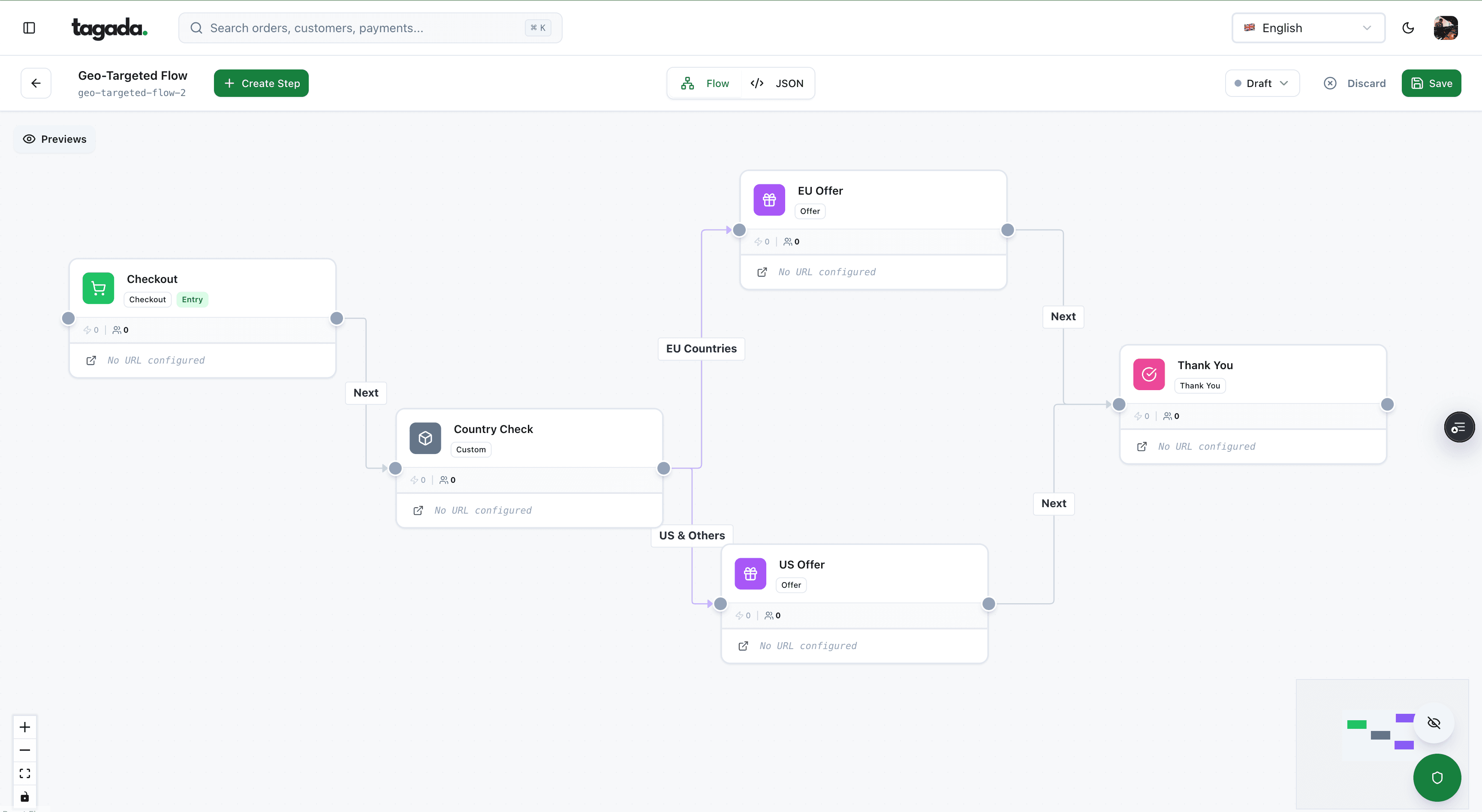
Tagada is an ecommerce OS: checkout, upsells, subscriptions, tracking and payments in one place. It runs standalone, on Shopify, on WooCommerce or headless, and keeps your course platform for hosting.
| Need | What Tagada does |
|---|---|
| Offers | "Checkout, one-click upsells, subscriptions and membership on the same funnel." Order bumps before payment, upsell on accept, downsell on decline |
| Memberships | Automatic rebills and retries on failure; members can pause, change card or cancel in the customer portal14Tagada docs, Subscriptions, read November 2, 2026 |
| Access | Events such as subscription/pastDue and subscription/canceled sent by webhook to the tool that manages access15Tagada docs, Webhooks and events, read November 2, 2026 |
| Processors | "Route to the processor most likely to approve it, retry on decline." Your PCI-tokenized cards and customer profiles stay in your vault: "Switch processors without re-onboarding customers." |
| Fraud and tracking | "Native 3DS2, device intelligence, and rules engine", plus server-side events to Meta, Google and TikTok |
"If you sell something real, we will get you paid." TagadaPay lists "info products", "coaching" and "online courses" among the industries it reviews, and each file is underwritten with "enhanced review for regulated verticals". "Live in 24h. You own your vault."
Payments start "From 2.9% + $0.29", with "No setup fees, no monthly minimums"; "High-risk verticals and edge cases are priced case by case"16TagadaPay, homepage, read November 2, 2026. Already on ClickFunnels, Shopify or WooCommerce? You can drop TagadaPay in. Support is human, 24/7, on Slack Connect.
Tagada follows Visa and Mastercard rules and the laws that apply to payments.
Frequently asked questions
What is the best platform to sell online courses and coaching?
Which course platform has no transaction fees?
Can I sell online courses and coaching with Stripe?
Do course platforms offer payment plans?
What should my platform keep to win chargebacks on a course?
Sources
Checked November 2, 2026- Kajabi, Pricing, read November 2, 2026
- Teachable, Pricing, read November 2, 2026
- Thinkific, Pricing, read November 2, 2026
- Podia, Pricing, read November 2, 2026
- Stan, Stan Store pricing, updated July 22, 2026
- Whop, Fees, read November 2, 2026 (no effective date; "applies to new merchants that sign up today")
- Stripe, Prohibited and restricted businesses, read November 2, 2026
- Visa Core Rules and Visa Product and Service Rules, edition of October 24, 2026: Installment Transactions (Tables 5-19 to 5-21), Compelling Evidence (Table 11-7), dispute conditions 13.1 and 13.5
- CFPB, Regulation Z, 12 CFR 1026.2(a)(17), read November 2, 2026
- Restore Online Shoppers' Confidence Act, 15 U.S.C. 8403, read November 2, 2026
- FTC, Business Opportunity Rule, 16 CFR Part 437, eCFR, read November 2, 2026
- Meta, Community Standards, Prohibited Commercial Practices, read November 2, 2026
- Google Ads policy, Unreliable claims, read November 2, 2026
- Tagada docs, Subscriptions, read November 2, 2026
- Tagada docs, Webhooks and events, read November 2, 2026
- TagadaPay, homepage, read November 2, 2026
Tagada
Pick the platform on checkout, fees and access logs, then on hosting
Funnels, one-click upsells, subscription billing and payment routing, on one customer record.
- 01Create your free account
- 02Connect your store or build a checkout
- 03Launch funnels, upsells and subscriptions